Hi @Daniel_G, welcome to our community!
Sorry for taking long to reply, I was a bit busy this days.
I really enjoy the customization that you’ve made on the theme, the item page is specially nice! Please don’t hesitate to share your project with us once you fill it is complete, we should definitely have it in our showcase.
While for me the loading does not feel that slow, I can see the /metadata and /items requests taking almost 2 seconds each. These are REST API requests and therefore not always affected by Cache plugins that store mainly file assets such as scripts, style-sheets or pages. I don’t know if maybe one of your plugins offers options to cache REST API results, could be a thing to try…
One thing to investigate is to make sure if your database does not contain trash or content that was loose from import processing and activity logs. If you have access to your server, we have a CLI command for garbage collection. Tainacan uses WordPress database and tables, so if you have thousands of posts, pages, or even activity logs, they may impact your items loading time. Can you figure out how many posts there are in your wp_posts table? I mean posts with any post_type, not only those that arepost.
I know it will sound naive but one small thing that I believe affects the user experience there is that we’re not seeing the loading indicator. That gives the impression that nothing is working while most of the components are already fetch, it’s just the items that are being build. That is a bit my fault. I added a css variable that makes the “skeleton loading component” the same color of the item card. As your item card is white, it is mixed with the background. here is a screenshot of it if the card was light gray:
Those gray boxes blink while the items are not fetch, giving a sense of “work is being done”. I’m planning on fixing that default color in the next releases do separate it from the card color. Meanwhile, you could solve that with custom css via Customizer → Custom CSS:
.theme-items-list {
   --tainacan-skeleton-color: #f2f2f2;
}
Fo further investigations we would need to know more details about your server configuration and system diagnostic. Feel free to bring any other questions!

 . I noticed two things while using one of your optimisation suggestions: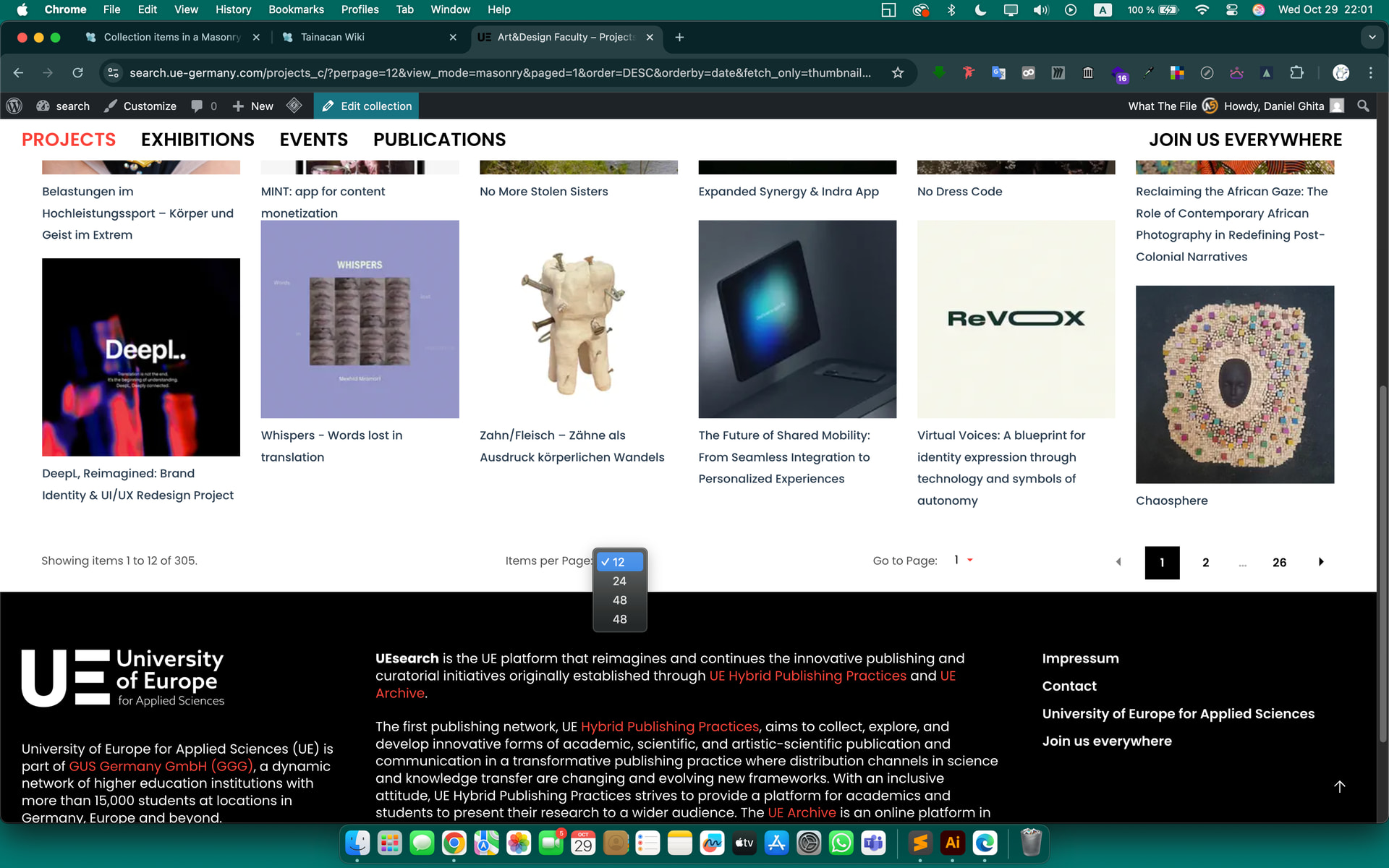
 Thank you so much! And the new interface looks great!